
Scan anything, any size
01From a single object to an entire property — just walk the space with your phone and Luminiferous captures it all in one pass.
Luminiferous
Video to 3D meshes and Gaussian Splats, iOS & Android apps coming soon
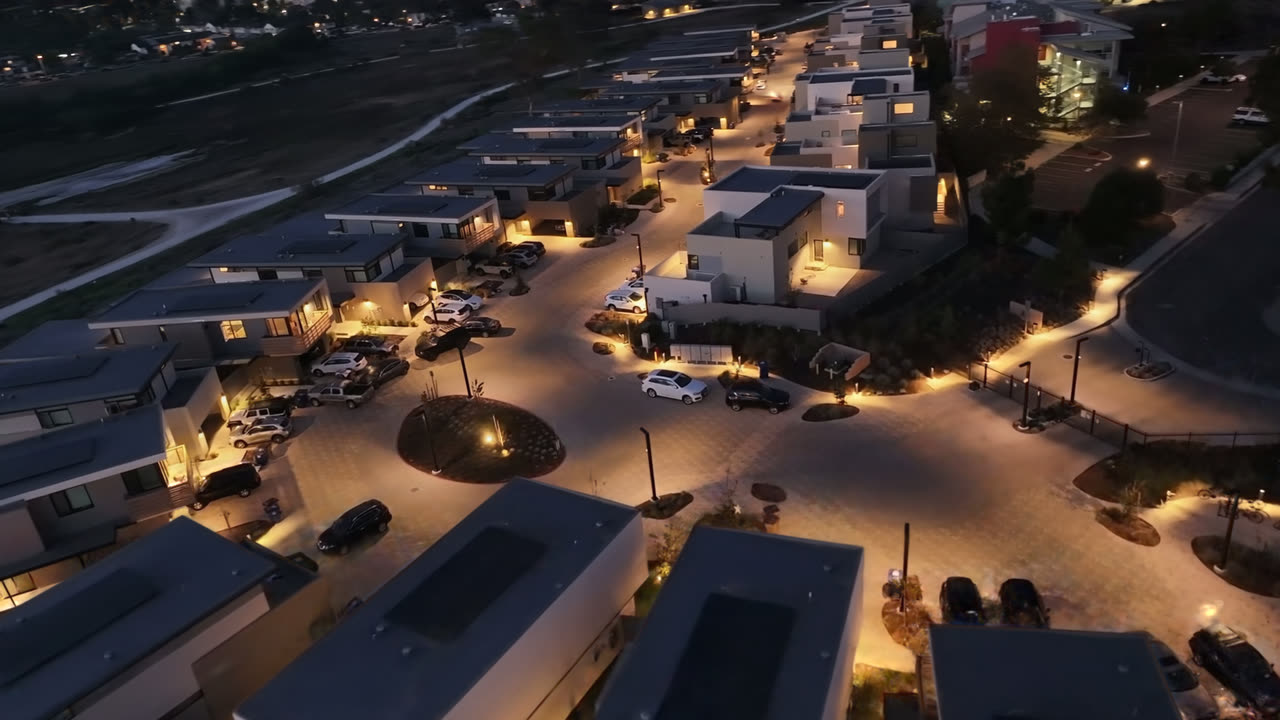
Real footage/scans → Gaussian splat
Actual Luminiferous capture · Gaussian-splat render
OBJ · GLB · PLY · SPZ · SOG
export formats
Unlimited
scan volume
On-device
drift correction
iOS & Android
mobile capture
Capabilities
Everything below is real and working in Luminiferous Scanners today — no mockups, no promises.
From a single object to an entire property — just walk the space with your phone and Luminiferous captures it all in one pass.
Luminiferous uses your phone’s sensors to measure depth, so every scan is built from real measurements of the space — not guesswork.
The scanner refines and corrects your capture while you scan, so the model comes out tidy the first time.
Scans keep true real-world scale. Measure rooms, furniture, and spaces straight from the model.
See your 3D model take shape on screen in real time as you move — you always know what you’ve captured.
Save meshes and Gaussian splats in standard formats — OBJ, GLB, PLY, SPZ, SOG — or share a link that opens in any browser.
A complete server-side suite of tools for sharing, editing, and storing your scans — your captures live somewhere useful.
No rig, no extra hardware, no training. If you can take a video, you can make a 3D model.
Real capture data
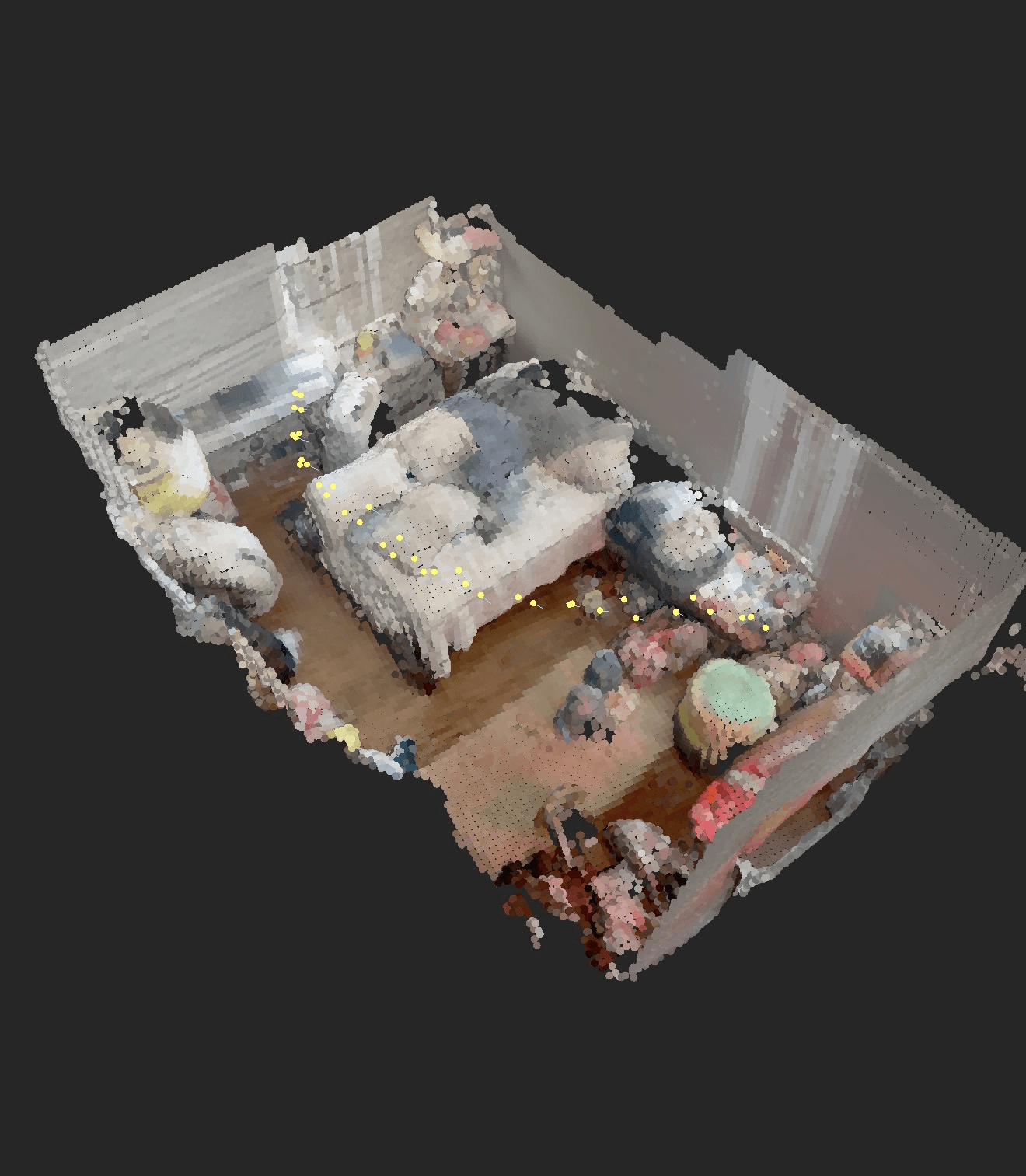
Luminiferous scans are not photos with depth guessed in — they are dense, colorized 3D data. Below: a living room captured on a phone, shown as the raw colorized point cloud, and the camera path that produced it.
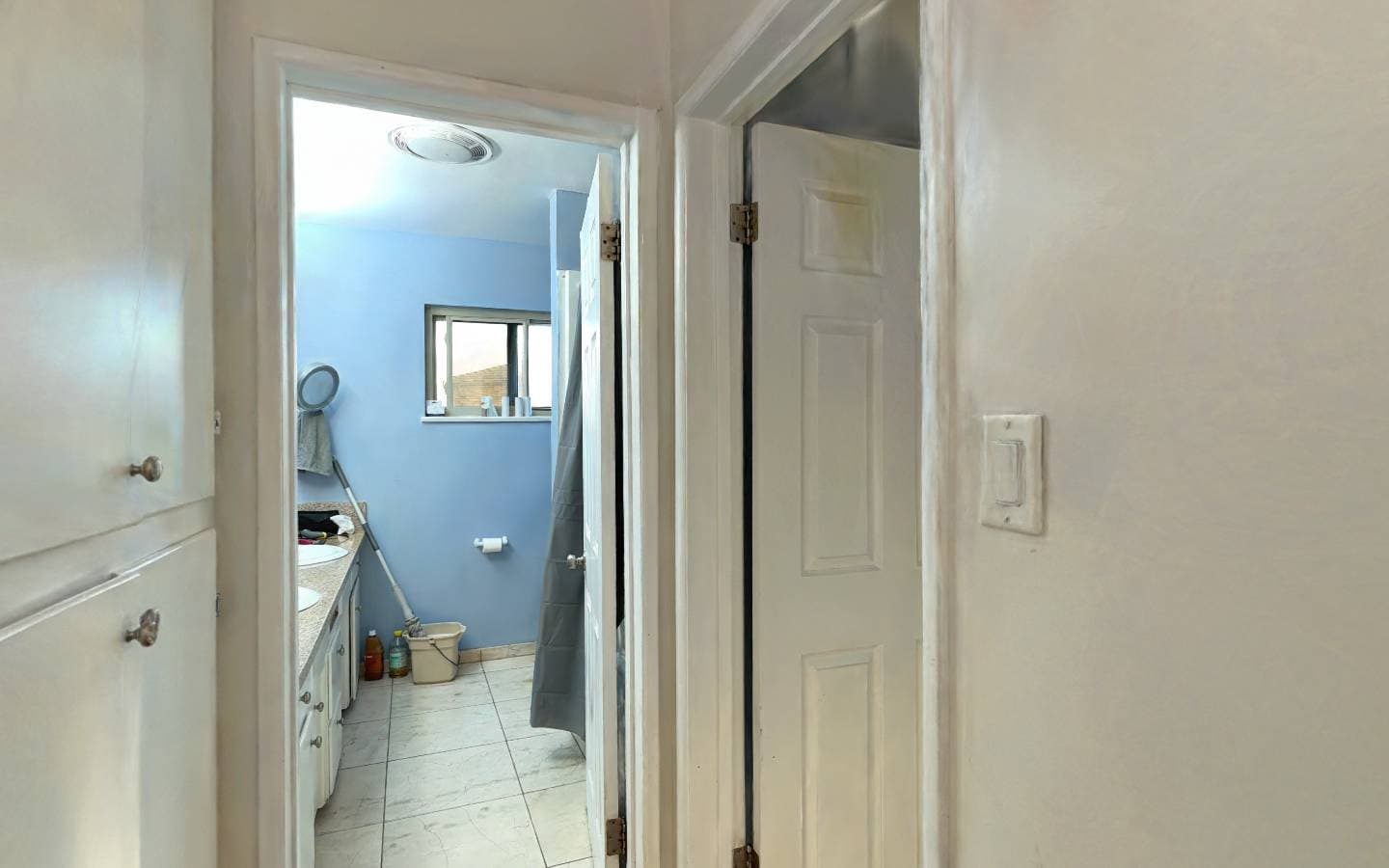 Walk the captureFour-room house tourA master hall, two bedrooms and an exercise room, each captured on its own and aligned at the doorways. Walk through a doorway and the next room streams in around you.Drag to look around, click the floor to walk there, or use W A S D. Walking only — the camera stays on the measured floor.Opens in a new tab and streams about 170 MB of capture data, so the first room takes a moment.Open the tour (opens in a new tab)
Reality to splat
The first five seconds are the raw drone footage; everything after the wipe is the reconstruction, flying a camera the drone never could.
Explore a live scan
The same capture pipeline, rendered as a Gaussian splat instead of a mesh — every surface reconstructed from photographs, running in your browser. Orbit it, zoom in, or fly through it.
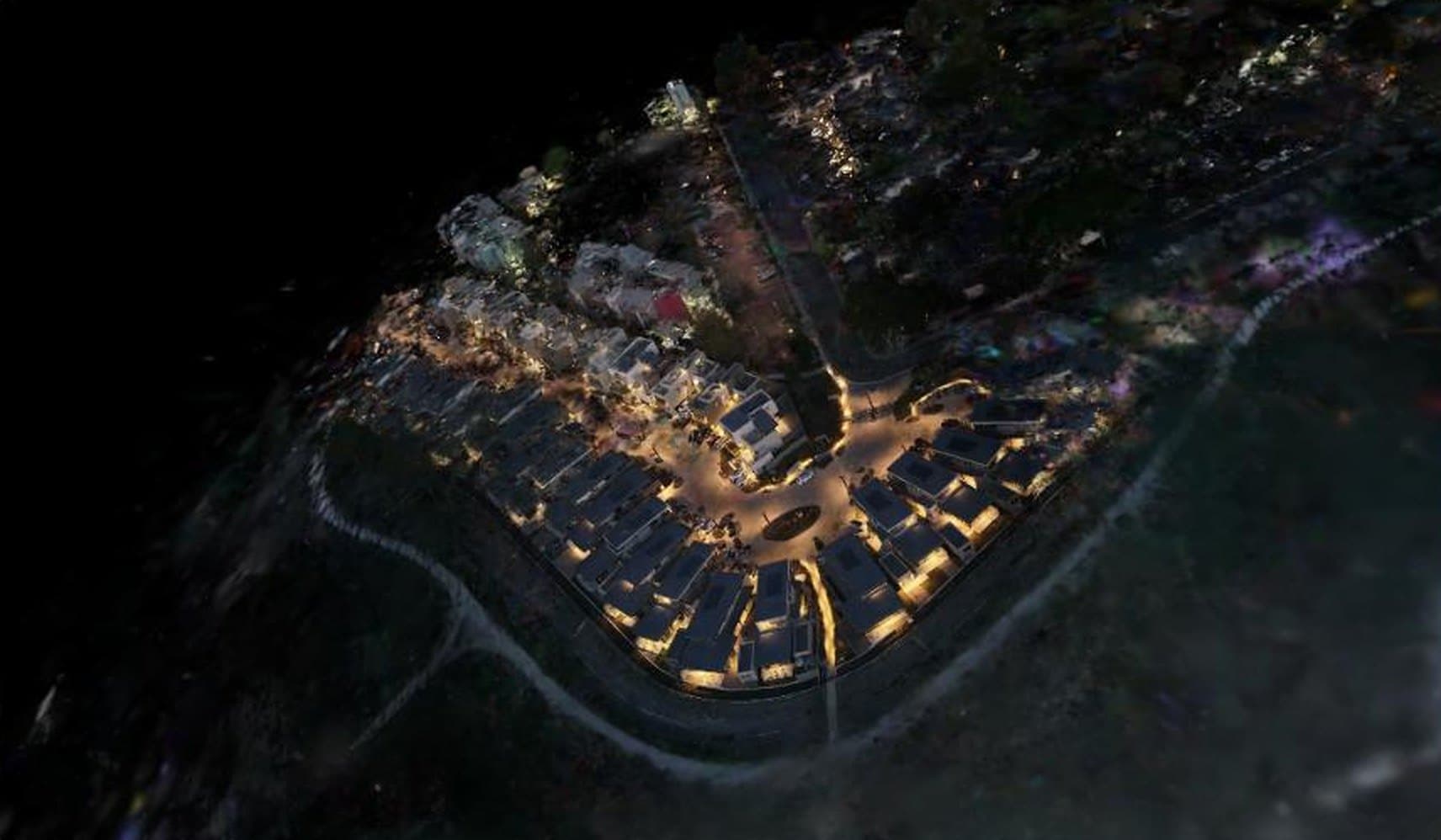
Explore the model
This is the capture as a textured 3D model. Drag to orbit, scroll or pinch to zoom, and use two fingers or a right-drag to pan through the room.

Pipeline
Open Luminiferous and move the phone around your subject — a handheld video sweep or a set of photos. Drone footage goes through the same pipeline.
On-device loop closure and depth completion clean up the geometry as you cover the space.
Your capture is reconstructed into a mesh and a Gaussian splat — share a link to the live web viewer, or export OBJ, GLB, PLY, SPZ, or SOG.
Get Luminiferous
Downloads open when the apps launch. Luminiferous is in active development on iOS & Android — follow along as Luminiferous Scanners head to launch.
Luminiferous Scanners · iOS & Android